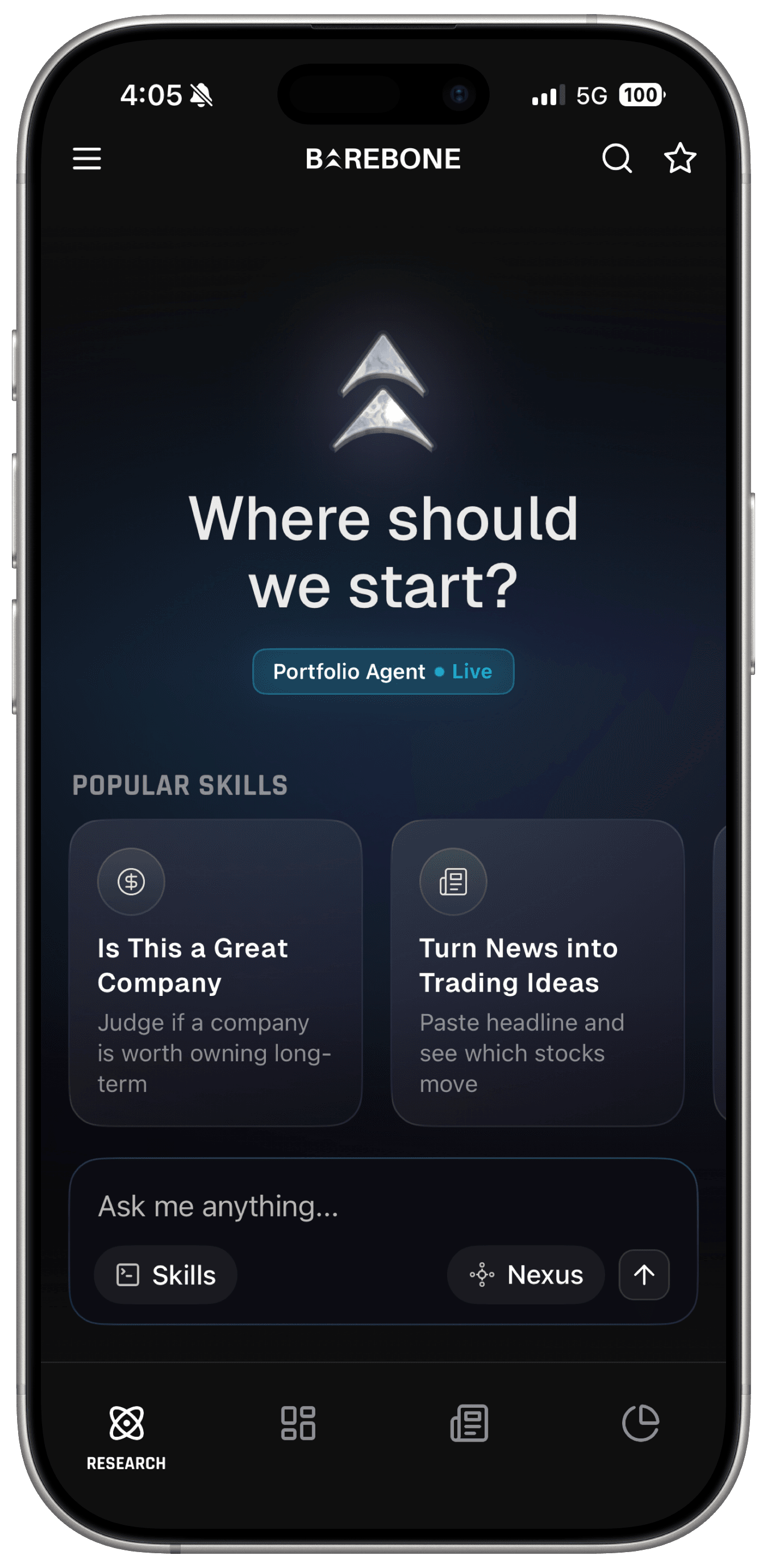
The best AI technical analysis tool on mobile in 2026 is Barebone AI - algorithmically derived support, resistance, entries, exits, and stop-losses with confidence framing, on iOS and Android. TrendSpider wins for desktop chart automation, TradingView for manual charting at scale, Trade Ideas for day-trading signal generation.
What AI Actually Fixes About Technical Analysis
Manual charting has two human problems. First, inconsistency: two traders draw different lines on the same chart, and the same trader draws different lines on different days. Second, confirmation bias: you tend to find the level that supports the trade you already want.
Algorithmic analysis fixes both - the machine computes structure from price data the same way every time. What it doesn't fix is the future: a level is where reaction is likely, not promised. So my evaluation criteria:
- Derived levels, not drawn ones - support/resistance, entries, exits, stops computed from data.
- Honest confidence framing - outputs presented with conviction context, not false certainty.
- Speed to answer - from "what about NVDA?" to actionable structure in seconds.
- Risk discipline built in - a tool that gives entries without stop-losses is half a tool.
- Price sanity - this category loves three-digit monthly subscriptions.
The Rankings at a Glance
| Rank | Tool | Best for | Price | Key strength |
|---|---|---|---|---|
| 1 | Barebone AI | Technical reads on mobile | - | Levels + stops with confidence framing |
| 2 | TrendSpider | Desktop chart automation | From $54/mo (annual) | Automated detection + backtesting |
| 3 | TradingView | Manual charting at scale | Free; from $14.95/mo | The charting standard, 100M users |
| 4 | Trade Ideas | Day-trading signals | $127 - $254/mo | Holly AI signal engine |
| 5 | VectorVest | Rules-based discipline | From ~$49.99/mo | Clear buy/sell/hold framework |
| 6 | Tickeron | Pattern-recognition bots | Varies by tier | AI agents across many strategies |
1. Barebone AI - Best AI Technical Analysis on Mobile
Barebone AI treats technical analysis as a question you ask, not a chart you build. Ask "When should I buy TSLA?" and its technical analysis returns algorithmically derived support and resistance, entry points, exit targets, and stop-loss levels - overlaid on charts, framed with how much confidence the analysis carries, in seconds.
What it does well
- Complete trade structure, not a vibe. Every technical read includes entries, exits, and stop-losses - the risk side is never optional. Levels arrive with confidence framing, so a tentative read looks tentative.
- Algorithmically derived, consistently. The levels are computed from price data, not drawn by mood - same chart, same answer, no confirmation bias.
- Technicals in full context. The same conversation can pull fundamentals, sentiment, insider activity, and news - so you see whether the chart setup agrees with everything else, which is how professionals actually use technicals.
- Real-time and mobile-native. Live data, watchlists, and alerts mean a level break finds you; one App Store reviewer: "Barebone's technical analysis + insider trading features are great. I can now find opportunities in minutes with detailed analysis."
- Built for individual investors, in a category otherwise dominated by desktop trading platforms. Rated 4.8/5 on the Apple App Store, Top 10 in Google Play Finance within 60 days of launch.
Where it falls short
Barebone AI is not a charting workstation: there's no drawing toolbox, no custom scripting, and you can't build and backtest your own strategies - TrendSpider and TradingView own that ground. It's mobile-first (no desktop terminal yet), US-market depth is strongest, and it's research-only: it hands you the levels, you place the trade.
Verdict: The best technical read you can get on a phone, with risk discipline built in - not a replacement for a charting desk if you build strategies yourself.
2. TrendSpider - Best Desktop Chart Automation
TrendSpider is the power-user's automation suite: algorithmic trendline and pattern detection, no-code strategy backtesting, and cloud alerts on a desktop platform.
What it does well
- Automated detection of trendlines and chart structure across charts, plus a no-code strategy tester - genuinely deep automation for systematic chartists.
- Alerting and automation extend from analysis into monitoring, so your setups watch themselves.
Where it falls short
Price and complexity. Per StockBrokers.com's 2026 review, Standard runs $82/month (or $648/year), Premium $137/month ($1,092/year), and Enhanced $183/month ($1,464/year) - serious money, and the learning curve matches the power. There's no real conversational layer: you operate it, it doesn't brief you.
Verdict: The deepest chart automation for committed technicians who'll use the whole toolbox.
3. TradingView - Best Manual Charting Platform
TradingView is where the world charts: over 100 million registered users, a vast community-script library, and the interface every other platform imitates.
What it does well
- The free tier is genuinely usable, and paid plans scale sanely: Essential at $14.95/month, Plus at $34.95, Premium at $69.95, with Ultimate at $239.95 billed monthly.
- Community indicators and ideas mean almost any analysis style has ready-made tooling.
Where it falls short
TradingView is a canvas, not an analyst - it gives you world-class tools to do the analysis yourself, which is precisely the work AI tools exist to compress. Its intelligence is the community's, with all the quality variance that implies. I've written the full head-to-head in Barebone AI vs TradingView.
Verdict: The charting standard, and the right pairing for an AI tool rather than a substitute for one.
4. Trade Ideas - Best Day-Trading Signal Engine
Trade Ideas is a real-time scanner whose AI layer, Holly, surfaces trade signals from strategies tested overnight against recent market data.
What it does well
- Holly delivers concrete, timestamped signals with defined entries - a true idea engine for active day traders, backed by a scanner that's been an industry fixture for years.
Where it falls short
It's the most expensive retail tool here: TI Basic runs $127/month (or $1,068/year) and TI Premium - the only tier that includes Holly - $254/month (or $2,136/year). The output is signals, not analysis you can interrogate, and backtested strategy selection is not a promise about live performance. Built for full-time traders; oversized for everyone else.
Verdict: Serious signal artillery for funded day traders; wrong tool for investors.
5. VectorVest - Best Rules-Based Discipline
VectorVest predates the AI wave: a decades-old system that rates thousands of stocks daily on proprietary value, safety, and timing indicators, then issues buy/sell/hold guidance.
What it does well
- The framework's virtue is discipline - one consistent methodology applied across the market daily, which suits investors who want rules rather than judgment calls.
- Subscriptions span roughly $49.99 to $149 per month depending on data speed, with a 30-day trial for $9.95, per Benzinga's review.
Where it falls short
The proprietary composite scores are take-it-or-trust-it - you can't unpack why a rating changed - and the platform's look and workflow feel dated next to modern AI tools. Timing systems also have famously mixed results across market regimes.
Verdict: A disciplined system for rules-followers; a black box for everyone else.
6. Tickeron - Briefly: Pattern Bots in Volume
Tickeron fields a large menu of AI "agents" - pattern-recognition bots generating signals across stocks, ETFs, and crypto, with tiered plans that span roughly $60 to $250 per month depending on features and signal frequency.
The breadth is real, but so is the noise: many bots, many advertised win rates, no independent audits I could find - and quantity of signals is not quality of analysis. If you explore it, paper-trade its agents before believing any percentage.
Verdict: Interesting bot buffet; verify before you trust.
How to Use AI Levels Without Fooling Yourself
Three habits separate traders who benefit from algorithmic levels from those who get hurt by them. Respect the stop, not just the entry - an AI-derived stop-loss only works if you honor it; the level is risk discipline pre-packaged, and overriding it converts analysis into hope. Read the confidence framing - a tentative level and a high-conviction one deserve different position sizes, which is the entire point of presenting conviction honestly. Check the chart against the story - a clean breakout into terrible fundamentals or an earnings print three days out is a different trade than the same chart in a quiet tape. Tools that put technicals next to fundamentals, sentiment, and the calendar make that cross-check effortless; if yours doesn't, do it manually.
Bottom Line
If you want technical analysis done for you - levels, entries, exits, and stops, framed honestly, on your phone - that's Barebone AI, with the caveats that it won't replace a charting workstation and won't place the trade. TrendSpider is the automation desk, TradingView the canvas, Trade Ideas the signal cannon. Technicals work best alongside the rest of the picture: see how the same app handles earnings season, and where it sits among the best AI investment agents of 2026.
Frequently Asked Questions
What is AI technical analysis? Software that computes chart structure - support and resistance, trend condition, entry and exit zones - algorithmically from price data instead of relying on a human eyeballing lines. The good tools also frame outputs honestly, attaching confidence context rather than presenting a level as a certainty. The result is consistency: the same chart always yields the same read.
Can AI really find support and resistance levels? Yes - identifying where price has repeatedly reacted is fundamentally a pattern computation, and machines do it consistently while humans draw lines that confirm what they already believe. Barebone AI derives support, resistance, entries, exits, and stop-losses algorithmically and presents them with confidence framing. No level is a guarantee; the value is discipline and speed.
What is the best AI technical analysis app on mobile? Barebone AI. Ask about any ticker and it returns algorithmically derived support and resistance, entry points, exit targets, and stop-loss levels with chart overlays and confidence framing, in seconds, on mobile. Desktop platforms like TrendSpider automate more chart work, but nothing on mobile delivers comparable technical reads conversationally.
Do I still need TradingView if I use Barebone AI? They do different jobs. TradingView is the manual charting standard - you draw, script, and build the analysis yourself with over 100 million users' worth of community tools. Barebone AI does the analysis for you and hands you levels with context. Plenty of traders use Barebone AI for the verdict and TradingView for the canvas.
Are AI trading signals reliable? Treat every signal as a hypothesis, not an instruction. Backtested win rates are not live performance, and vendors rarely publish audited results. The honest pattern to look for: tools that show their levels with confidence framing and let you verify the logic, rather than black boxes promising percentages. Position sizing and stop-losses matter more than any signal's accuracy.
Barebone AI is a research and analysis tool, not a financial advisor or broker. Nothing here is investment advice.